
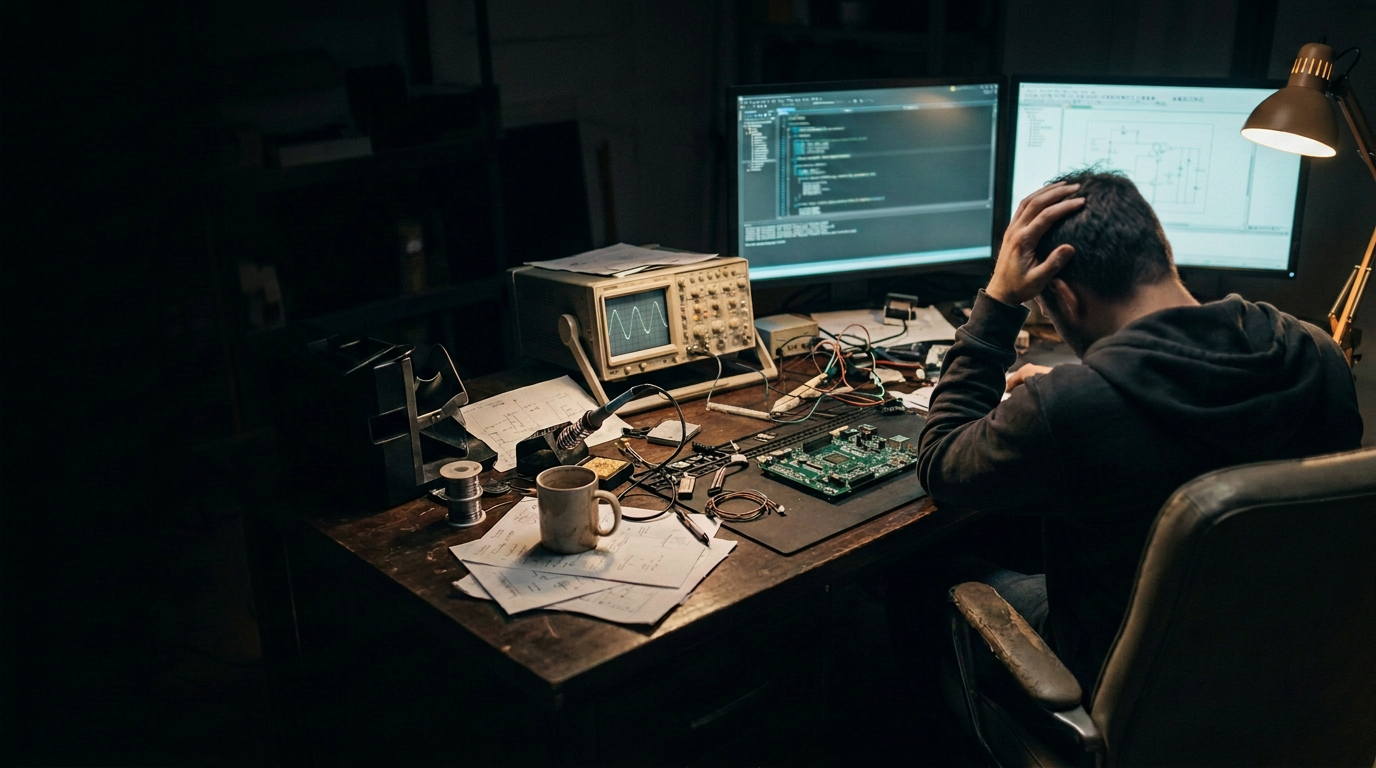
Tough bug?
No Problem.
Somebody get the Active-Pro®.
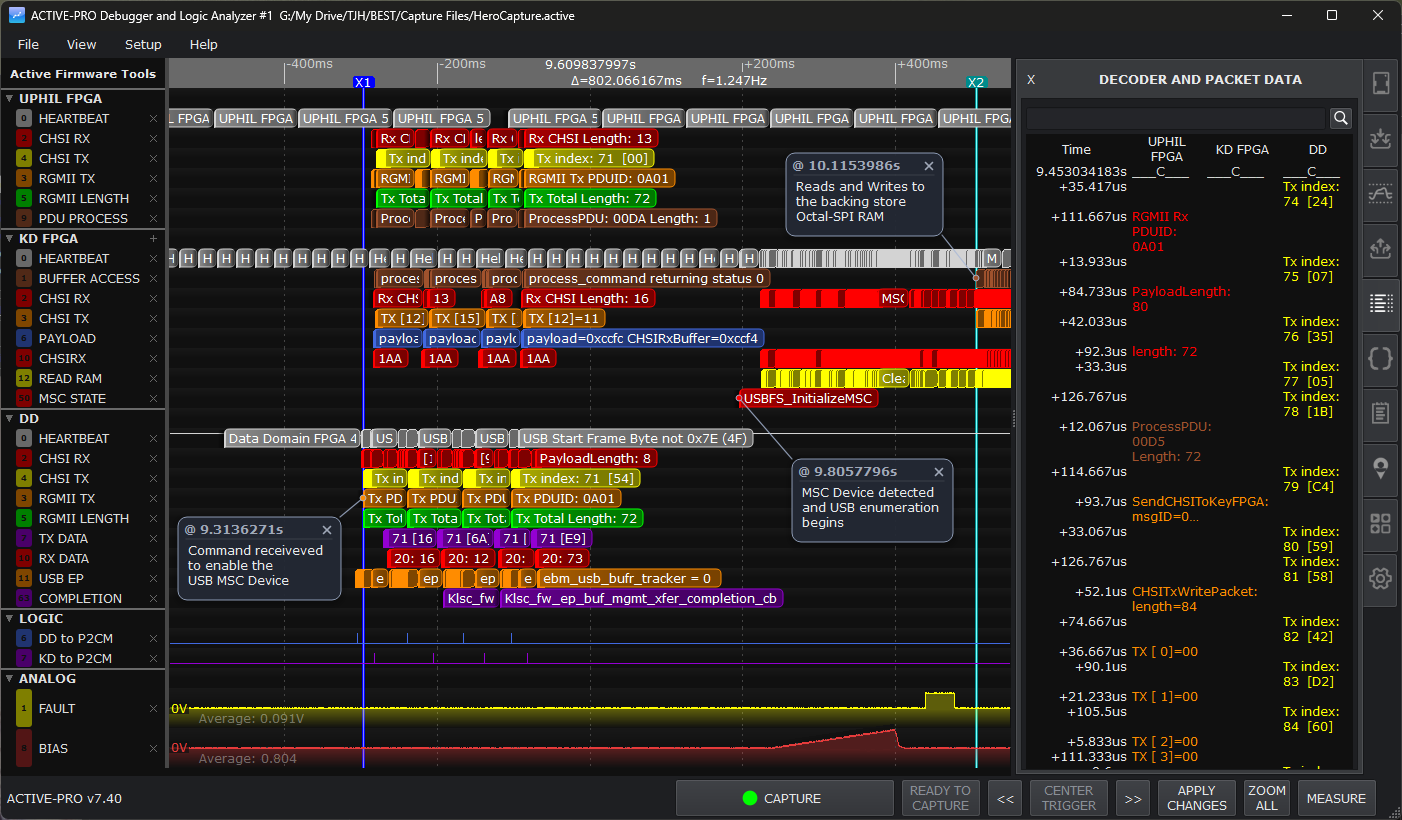
It's the logic analyzer that captures variables, state, and execution from up to four processors, time aligned with decoded buses, hardware signals, and power in one live capture. No halting. No breakpoints. No slowdowns. The tool you want on the bench at 2am, when it has already hit the fan.
There it is.™
DEBUGGING NOW AT
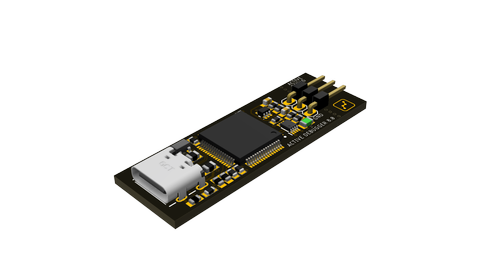
Choose your weapon.
Same capture software, same Active Debug Port, same .aft export, 1 ns timestamps on every model. Start where your project needs you to start. Scale up without relearning the tool.
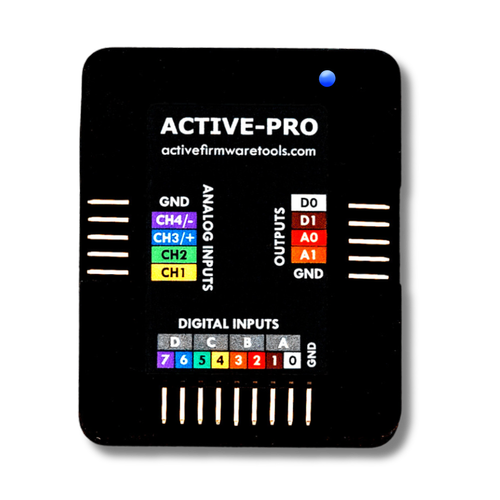
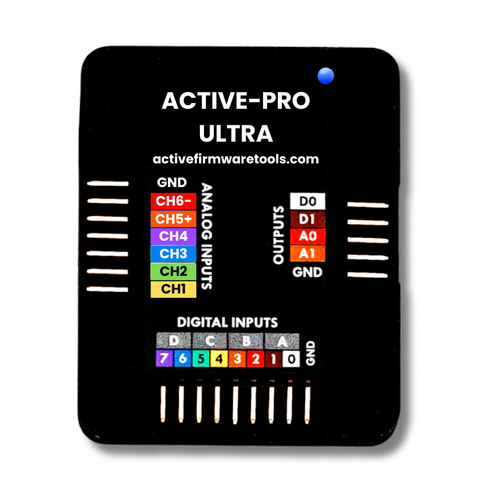
Debug fast. With instrumentation done right.
The printf you already write, on a bus that keeps up. Instrumentation was never the problem. The pipe was. The Active Debug Port (ADP) carries your debug output over a fast bus instead of a slow serial line, so it runs alongside your firmware instead of interrupting it.
Add a single ADP output call anywhere execution flows. A state machine, a control loop, an interrupt handler. Nothing else changes.
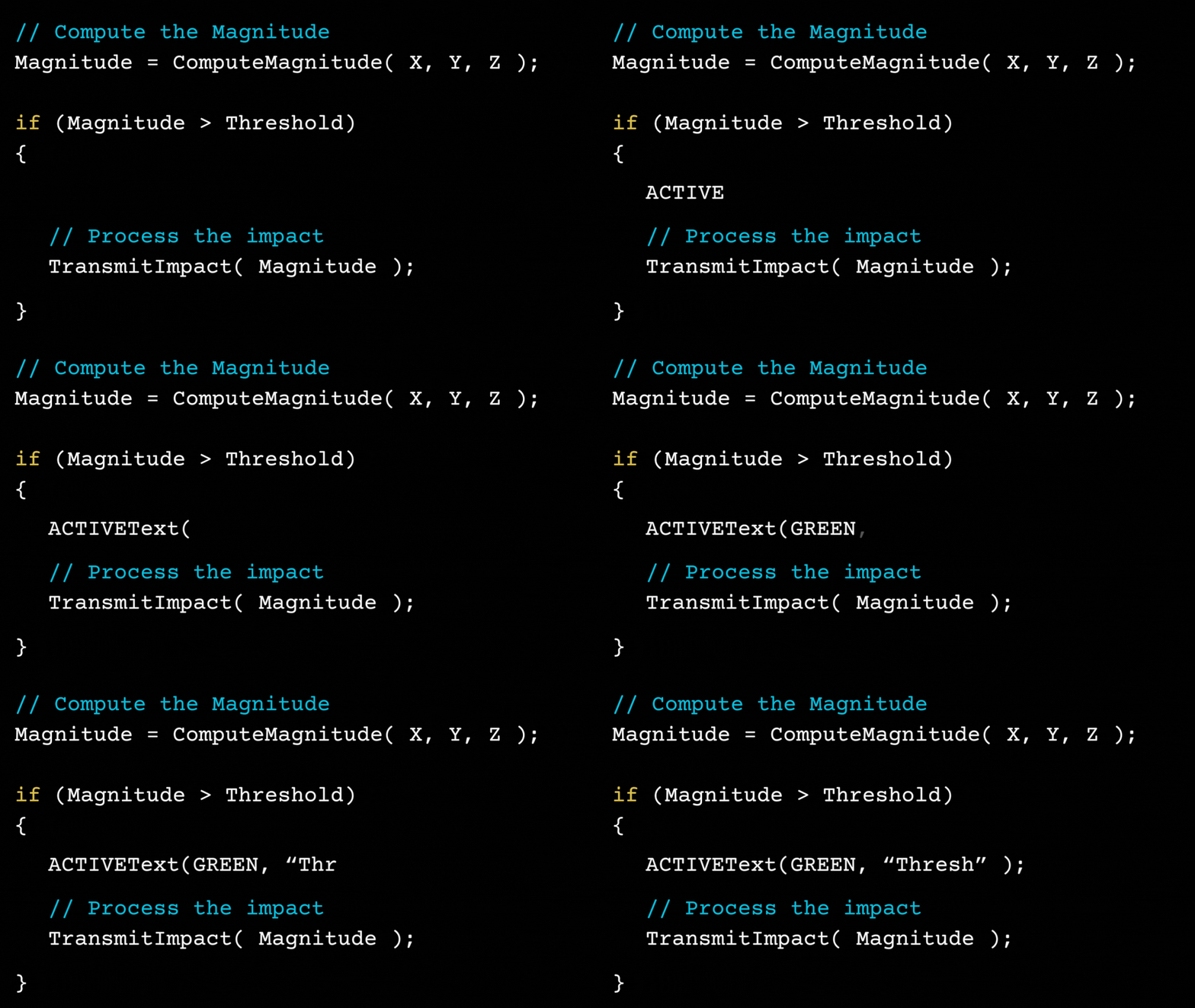
Connect, press capture, see data.
Plug in the Active-Pro, press capture, and your instrumentation events appear on the timeline immediately. No driver configuration. No sample rate tuning. No channel assignment. The hardware senses everything automatically and PC-side setup is fully automatic.
See everything including the root cause.
Firmware output, state transitions, hardware signals, bus traffic and power land on one timeline, in sync, live. A single MCU or a mesh of processors and FPGAs, it does not matter. If it happened in your system, it is on the same timeline.
Watch firmware algorithms run
Live internal variables as your algorithm executes. Watch loop iterations, filter coefficients, and intermediate values update in real time. No breakpoints, no timing disruption.
See firmware states next to hardware
States and debug output alongside hardware signals on a synchronized timeline. Instantly see cause and effect across your code, I/O, and communication events, even across multiple processors.
Correlate bus traffic to the firmware sending it
See both sides of the communication. What's on the bus and what your firmware is doing to send and receive it. Packet Presenter decodes I2C, SPI, UART, CAN, and more, lined up with the code that produced them.
Trigger on the exact moment
Set a trigger and the capture centers on the event that matters. Auto, Normal, and Single modes work the way they do on a scope. When a trigger fires off-screen, one click jumps you straight to it. No more scrolling through a capture looking for the one transition you care about.
Capture straight to RAM
Captures land in memory instead of streaming to disk. Capture is faster, scrolling and zoom stay instant across the whole record, and disk I/O never competes with your data. Live view while recording, with multiple data streams overlaid for full context.
Your capture. Your AI. Your call.
Copy a region and paste it into any AI chat. Connect Claude Desktop via MCP and let it drive the instrument directly. Or automate the whole workflow with the built-in Automation API with scripted captures, searches, and file saves without touching the UI. Three ways in. Same data either way.
Write decoders for your own protocols
Built-in decoders cover I2C, SPI, UART, CAN, and more. When your design speaks something custom, write your own. Define the decode logic for any digital or analog protocol you run: proprietary framing, a sensor's private register stream, a non-standard bus. Active-Pro turns it into labeled fields right on the timeline, the same as a standard decode.
Ready to talk your AI's language.
Screenshots of a waveform are useless to an AI. Active-Pro hands it the actual data: every channel, every timestamp, every decode, as plain text it can reason about. Paste it into a chat, or let the AI drive the instrument itself.
Copy a region. Paste into any AI.
Right-click drag to select a time range on the waveform. Press Ctrl+C. A plain-text capture in Active Firmware Trace (.aft) format lands on your clipboard. Paste it into Claude, ChatGPT, Gemini, or anything else and start asking questions.
Every visible channel in the selection comes with it: timestamps, bus decodes, analog readings, logic transitions, and whatever you wrote in the Notes tab as context. Nothing to upload. Nothing to install. Your data goes exactly one place, the AI you already chose.
Let the AI run the instrument.
Connect Claude Desktop to Active-Pro with the included Model Context Protocol server and the AI drives the application directly. Start and stop captures, search decoded data, drive analog and digital outputs, save files, export snapshots, all from plain English.
That means a test loop that runs all night without a test framework. Tell it to capture, search for an ERROR, save the file when it finds one, and go again. It decides which calls to make and in what order. You read the results in the morning.
From the field.
I wish I had this 20 years ago. I'm surprised no MSO or logic analyzer has this kind of capability. Kudos to you for developing this.
With Active-Pro I was able to immediately find an issue with my multi-processor application.
This tool is up there on my favorites list. If you're into hardware and firmware development, you must absolutely give this a try.
Used to develop and validate IFF transponders and cryptographic key loaders for U.S. defense customers, on every processor and FPGA in the design.
Stop Guessing.
See Exactly What Happened.
Firmware variables, decoded buses, hardware signals, and power on one timeline.